Interactive guitar practice
Learn guitar.
Play for real.
Plug in your guitar. Listen to the passage, slow it down and play it at your own pace. From your first E to your next song.
Mac and Windows Runs locally

Five levels.
At your own pace.
Start at the level that suits you. Each level has targeted exercises and tracks your progress. Listen to the demo, slow it down and repeat the passage until it feels natural.
Absolute beginner
Open strings, keeping a steady beat and first finger placements.
Beginner
Eighth notes, open chords and arpeggios.
Intermediate
Pentatonic scales, slides and offbeat rhythms.
Upper intermediate
Syncopation, barre chords and bends.
Advanced
Triplets, string crossing and irregular meters.
A practice session
in Guitar Lab.
Pick an exercise, follow the fretboard cues and see what to practice next. The screenshots show the French-language app.
-
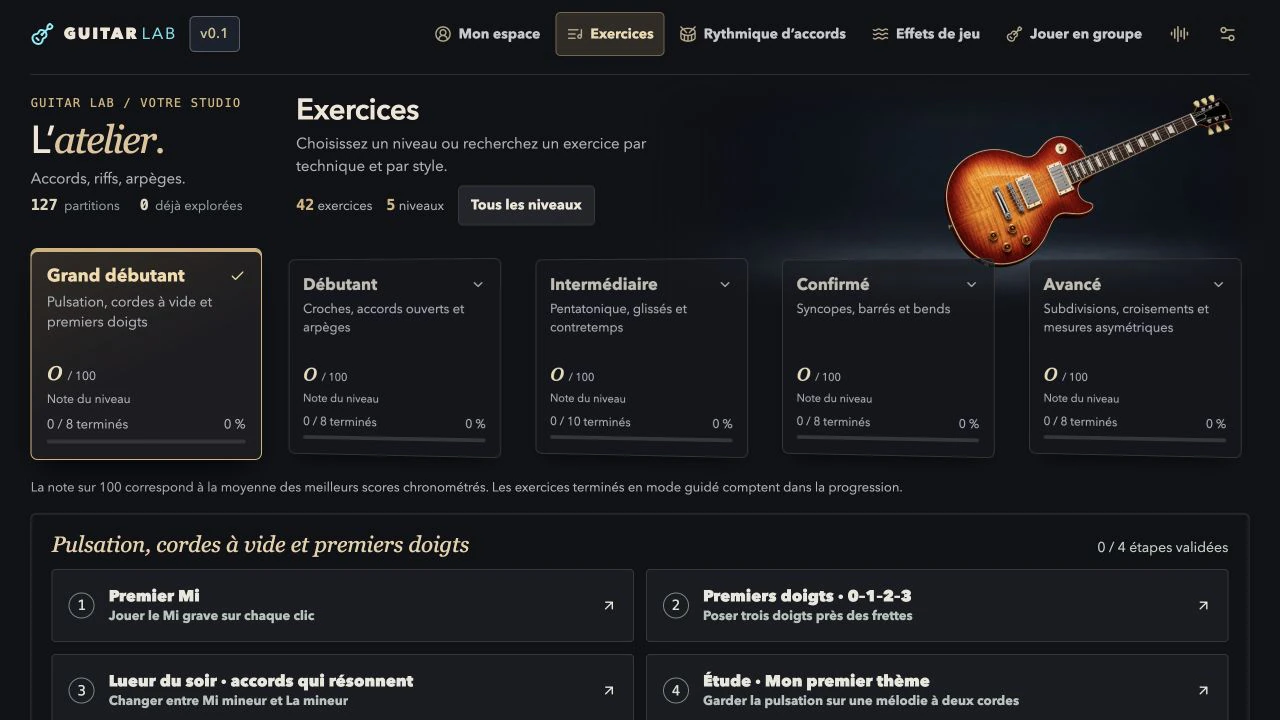
Choose
Pick a level for guided exercises, or explore chord rhythms and playing techniques.
-
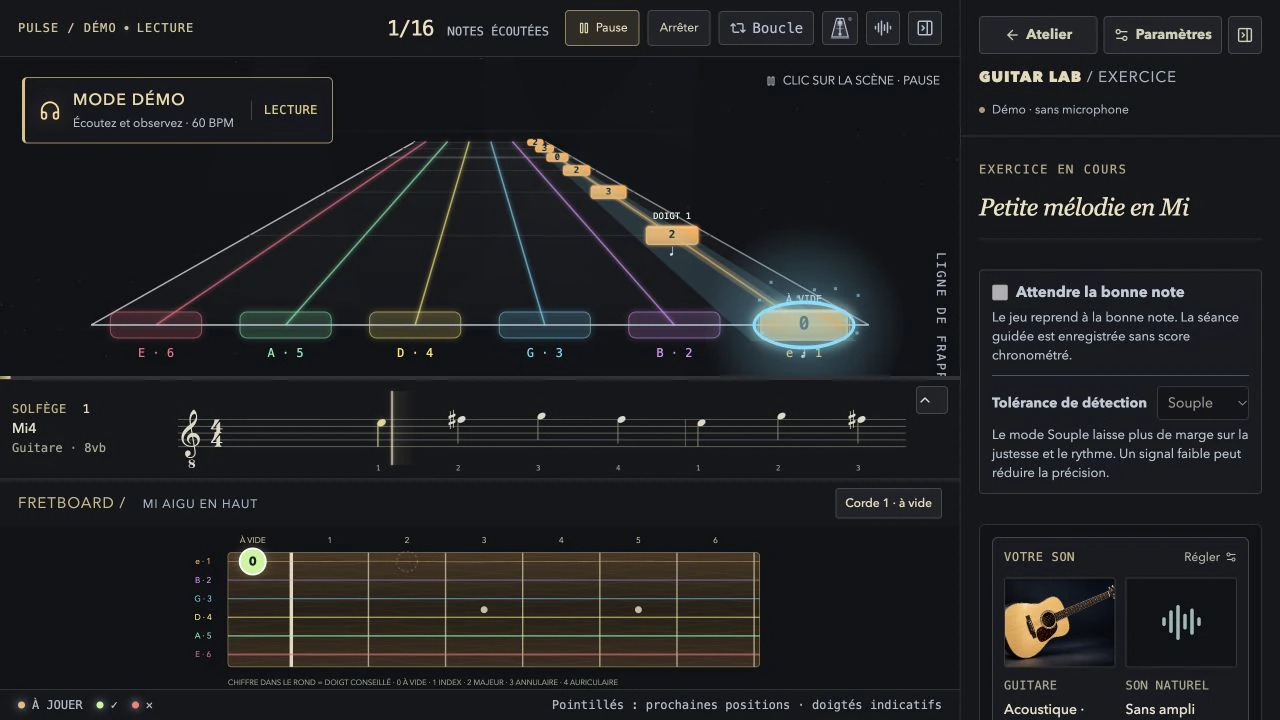
Play
The notes scroll in time. The fretboard shows which frets and fingers to use. Slow down or let the exercise wait for the right note.
-
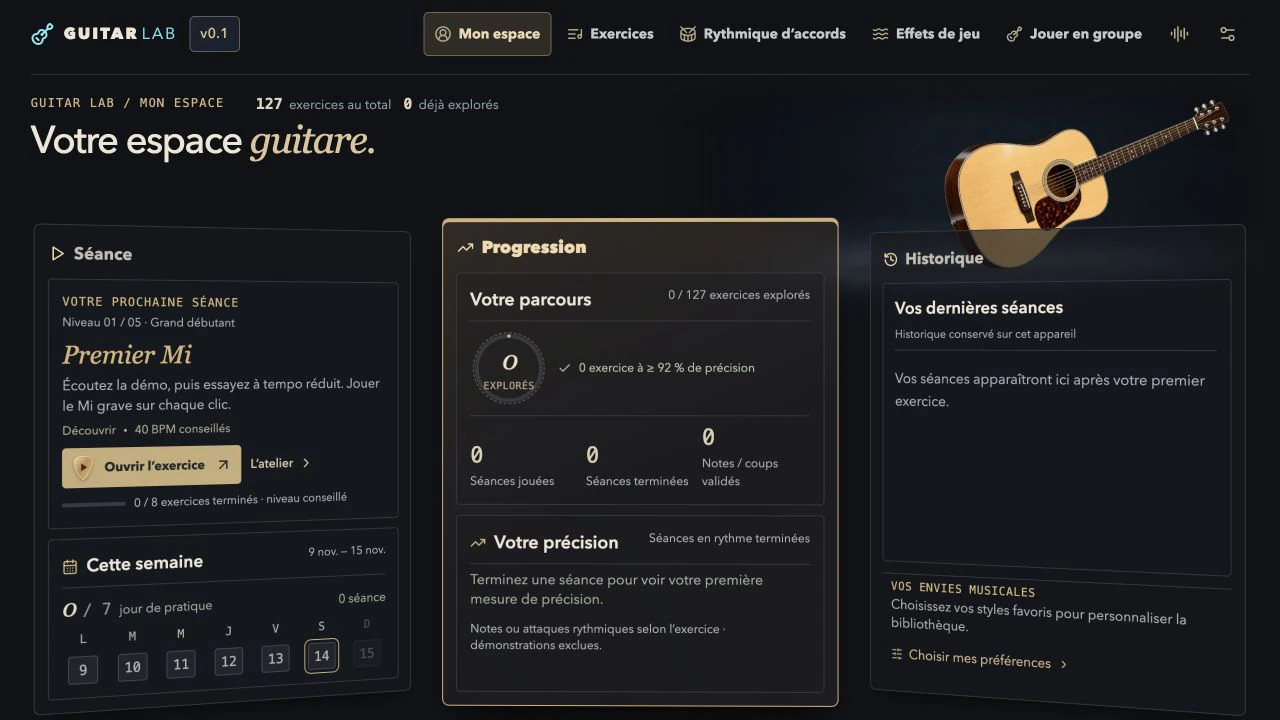
Progress
See your level, your next session and completed exercises. Your progress stays on your device.
Play full songs with a band
Play your part.
The band backs you.
Pick your guitar track in a multitrack Guitar Pro score. Take the guitarist’s place and play the full song while the other instruments play their own parts.
Slow down the song or loop a passage. The whole band follows your tempo.

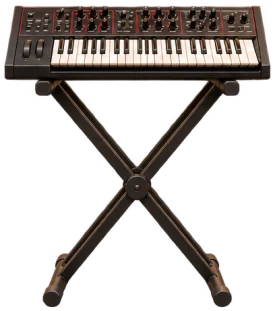
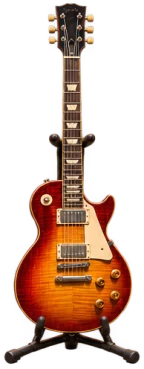
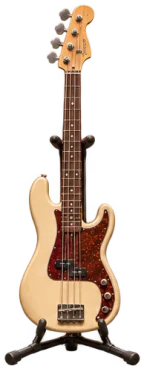
- GuitarYour track
- KeyboardsBackingMuted
- DrumsBackingMuted
- BassBackingMuted

Play your first arpeggio.
An arpeggio plays the notes of a chord one at a time. In a tab, each line is a string. The number tells you which fret to play, and 0 means an open string.
E major arpeggio
Tab · acoustic guitar
On the fretboard
High E at the top
- String
- 6 · Low E
- Fret
- Open
- Suggested finger
- None
Select a note to see its fingering, or play the audio to follow the passage on the fretboard.
Your guitar.
Your studio at home.
Guitar Lab brings exercises, guitar sounds and progress tracking together in a desktop app.
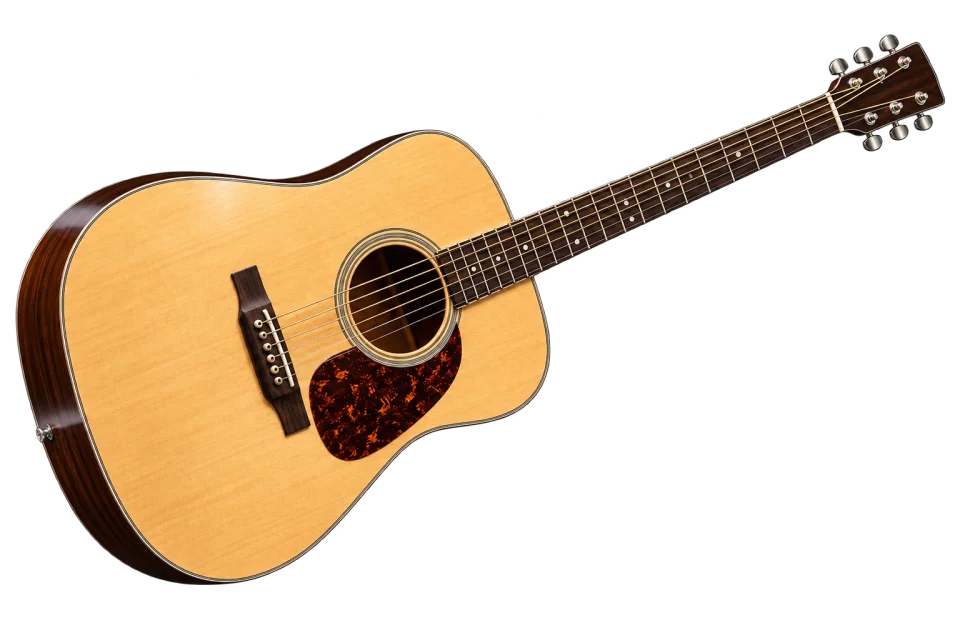
Mac and Windows licence
79 €
One-time purchase
PayPal or card
Try the Absolute Beginner level for free. The licence unlocks all levels and full score imports on two computers.
Get the licenceBefore you play.
What equipment do I need?
A guitar and a Mac or Windows computer. Use a microphone or an audio interface recognized by your system. A MIDI-equipped guitar can also send notes. Listening to demos needs no input device.
Can I start without reading music?
Yes. The basic exercises use tabs and a fretboard that shows where to put your fingers. You can listen first, slow down playback and turn on the mode that waits for the right note.
How can I practise a song I like?
Start by finding and importing a full Guitar Pro score. Choose the guitar track and the passage you want to play, then turn on the backing tracks to play along with the other instruments.
Do I need a Guitar Lab account?
The app runs locally. Imported songs and progress stay on your device and can be moved using a backup. After paying, enter your code in the app’s activation menu.